Lyra Video Editor

All Lyra Video Editor features.

Lyra Video Editor is a multi-track social video studio with templates, image/video/audio layers, captions, stock search, AI image generation, text-to-speech, shapes, masks, animations, GL transitions, comments, workspaces, package limits, and export-ready Remotion rendering.

Pricing table
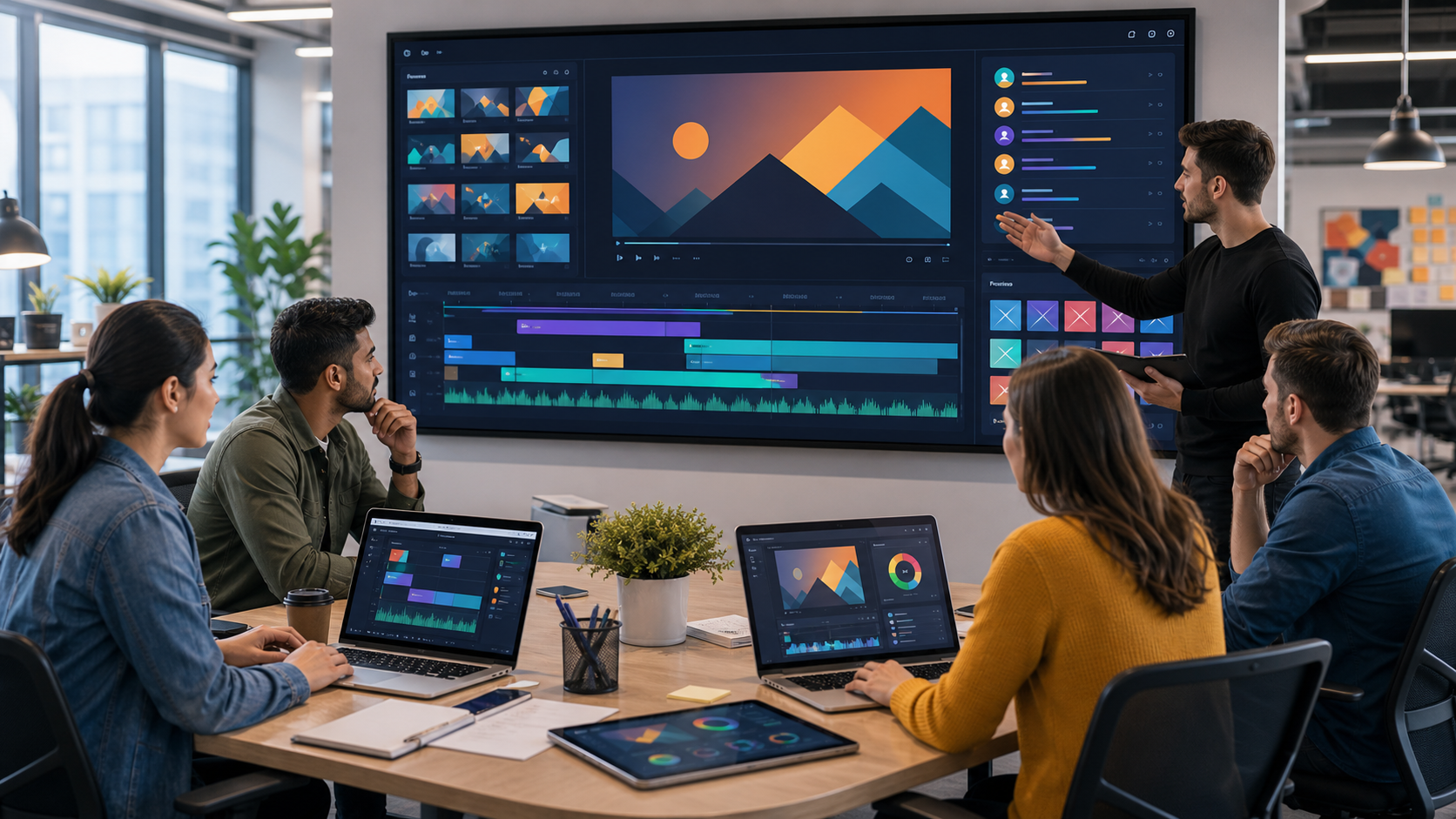
AI-generated product workspace visual for Lyra Video Editor
Social Post Video Editor Lyra Video Editor

Feature catalogue

Feature groups with screenshots and implementation-backed details.

Each group opens a dedicated page with product screenshots, included capabilities, and a lead form tied to this product and feature group.

Multi-Track Editor & Templates screenshot

Lyra Video Editor

Multi-Track Editor & Templates

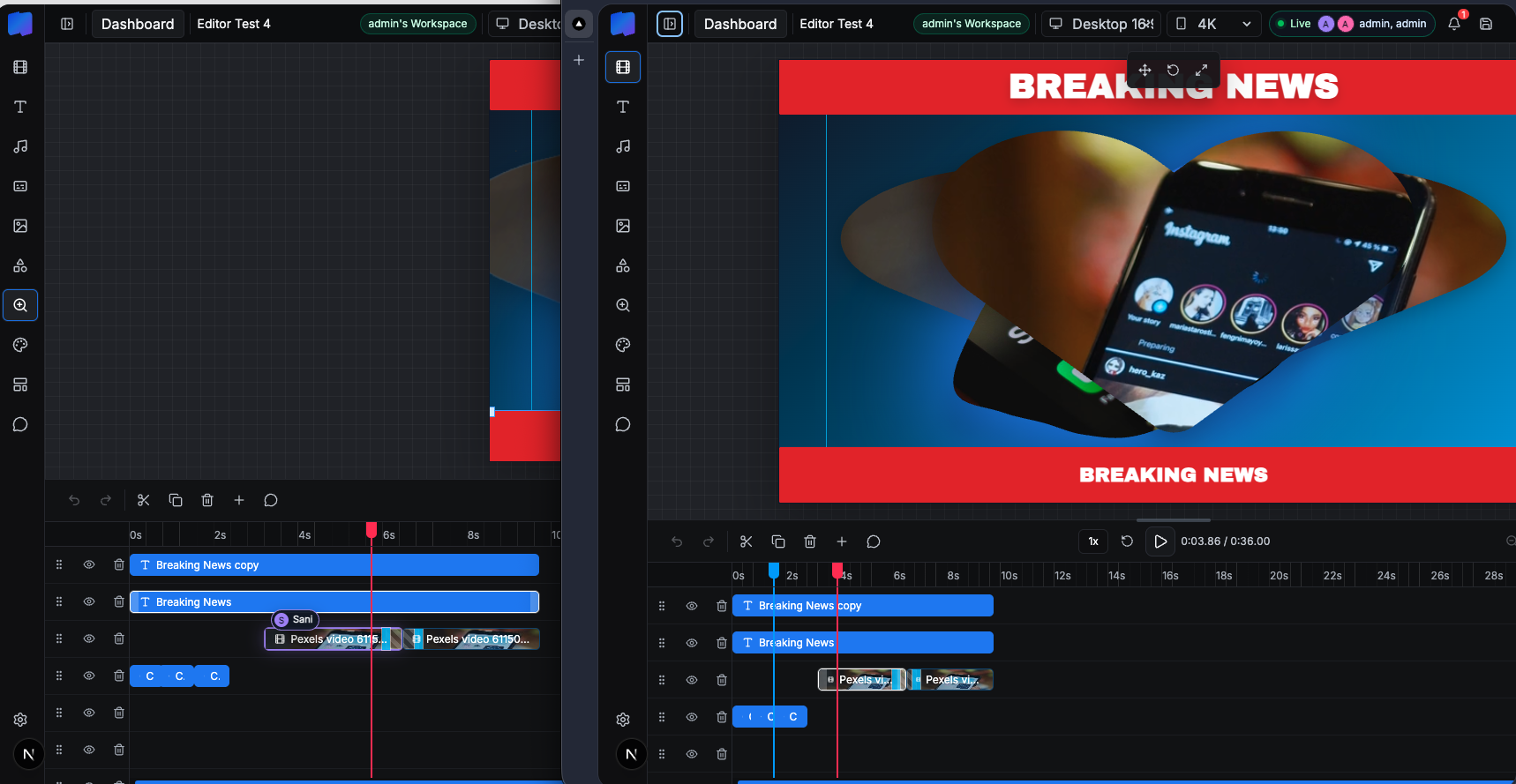
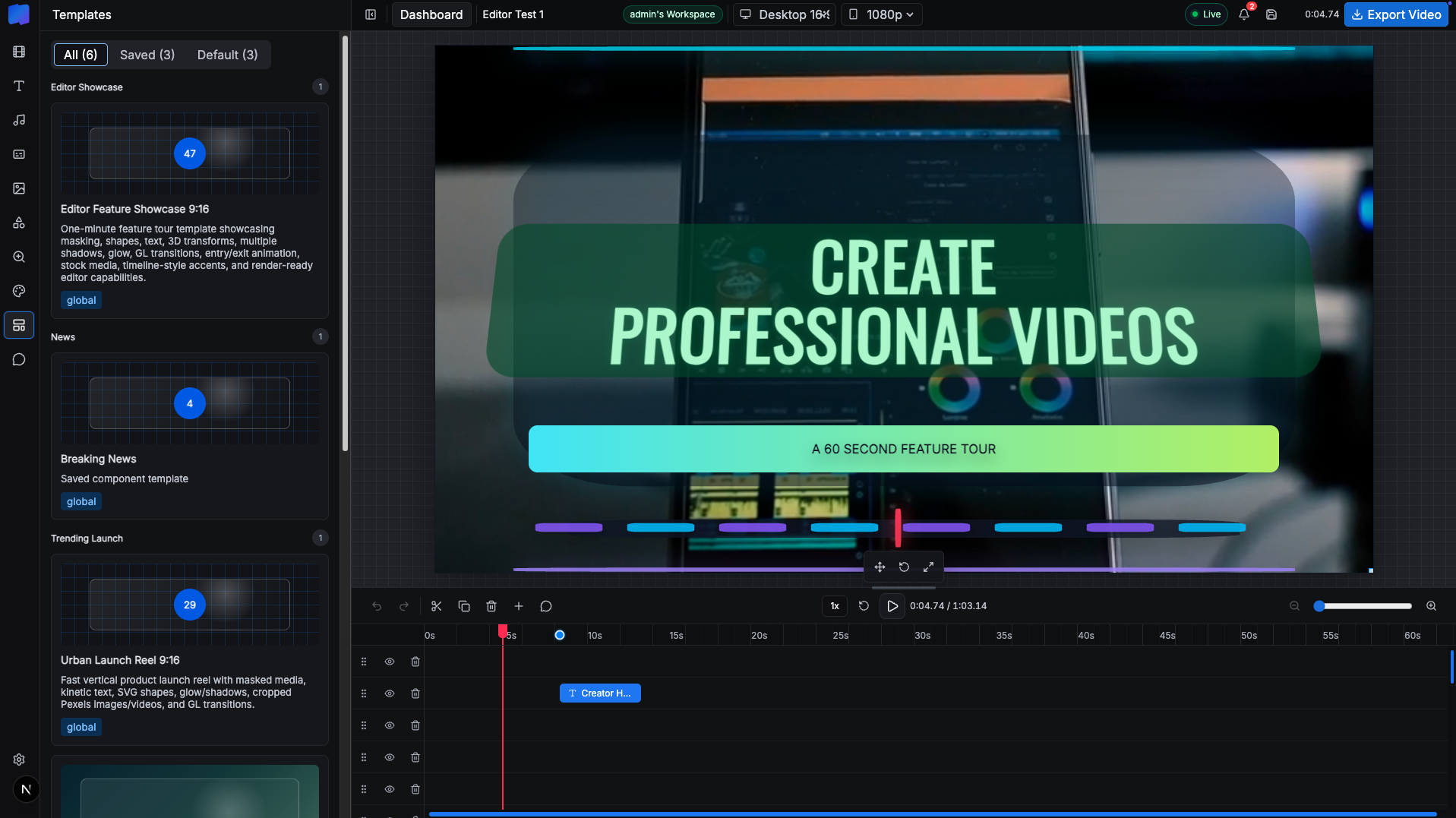
The core editor includes a template sidebar, canvas workspace, preview playback, layer rows, timeline zoom, track visibility, undo/redo, save controls, duplicate/delete actions, aspect controls, resolution controls, and live workspace status.

16:9, 9:16, 1:1, and 4:5 aspect ratios 720p, 1080p, 1440p, and 4K profiles Project templates and saved component templates Track order and hidden-track state
Open feature page
Media Library, Stock Search & AI Assets screenshot

Lyra Video Editor

Media Library, Stock Search & AI Assets

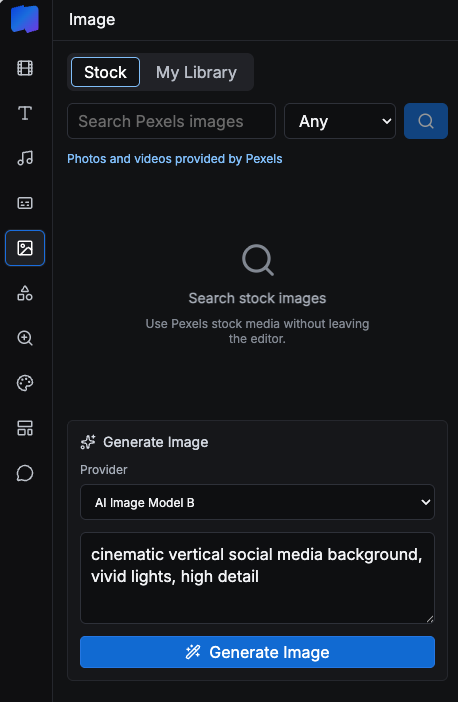
Creators can search Pexels, upload local assets, generate AI visuals, and add image, video, and audio items directly to the timeline without leaving the editor.

Pexels API integration OpenAI and Google/Gemini image model settings Asset metadata and duration tracking Library delete and add-to-timeline actions
Open feature page
Captions, Audio & AI Voice screenshot

Lyra Video Editor

Captions, Audio & AI Voice

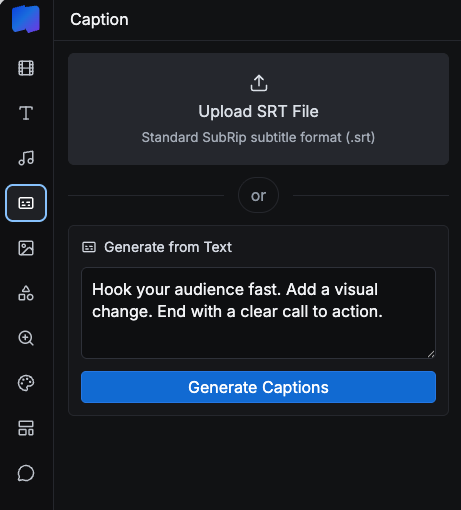
Lyra Video Editor supports caption layers, SRT upload, generated caption words, text-to-speech, uploaded audio, volume controls, mute, fade-in, and fade-out controls for timeline audio and video.

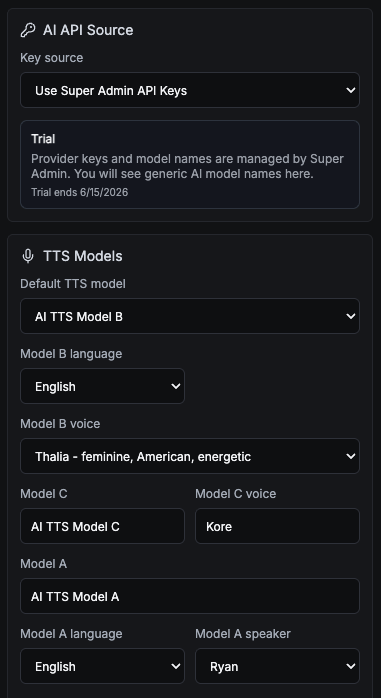
Deepgram TTS Gemini TTS Qwen local TTS option Caption text and highlight animations
Open feature page
Motion, Effects, Shapes & Masking screenshot

Lyra Video Editor

Motion, Effects, Shapes & Masking

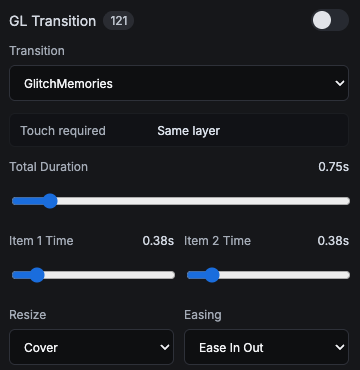
The editor includes deep visual controls for motion and styling: 121 GL transitions, 13 entry/exit animation options, nine 3D layouts, 1,151 SVG shapes, 82 mask SVGs, solid and gradient backgrounds, filter presets, shadow stacks, glow controls, and zoom target items.

Cover, contain, and stretch transition resize modes Ease-in, ease-out, linear, and ease-in-out timing Mask SVG search and direct mask rendering Shadow/glow stack editing
Open feature page
Rendering & Export Controls screenshot

Lyra Video Editor

Rendering & Export Controls

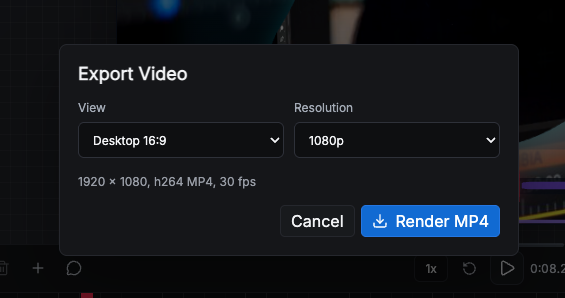
Lyra Video Editor uses Remotion for video output, exposes export settings for aspect and resolution, shows render progress, and supports package-aware limits for maximum duration and allowed resolutions.

H.264 MP4 output 30 fps default profile 720p to 4K export presets Render job APIs
Open feature page
Collaboration, Workspaces & Comments screenshot

Lyra Video Editor

Collaboration, Workspaces & Comments

The product includes collaborative workspace infrastructure: owner/admin/member roles, project-level view/edit/render permissions, team invitations, comments, archived threads, unread counts, notifications, and live editor presence.

Owner/admin/member roles Project-level can-view and can-edit permissions Access revocation monitoring Comment notifications
Open feature page
API Keys, Super Admin & Package Control screenshot

Lyra Video Editor

API Keys, Super Admin & Package Control

Lyra Video Editor supports both super-admin-managed provider keys and user-owned keys, plus workspace packages, package limits, SMTP settings, notifications, impersonation, user administration, reset password flows, and package-aware editor limits.

Trial/package summary in editor settings Allowed resolution enforcement Password reset and invitation routes Notification bell
Open feature page

Discuss Lyra Video Editor features

Use this form to ask about a feature set, package, customization, or white-label scope.